kerf labs · k1
A laser for your workbench.
K1 is a desktop diode engraver for wood, leather, slate and card. Plug it into a laptop, load a design, and run a test card first.
- optical power
- [— W]
- work area
- [— × — mm]
- connection
- usb-c · [wi-fi?]
- price
- [price]
$ kerf --faq
What will it engrave?
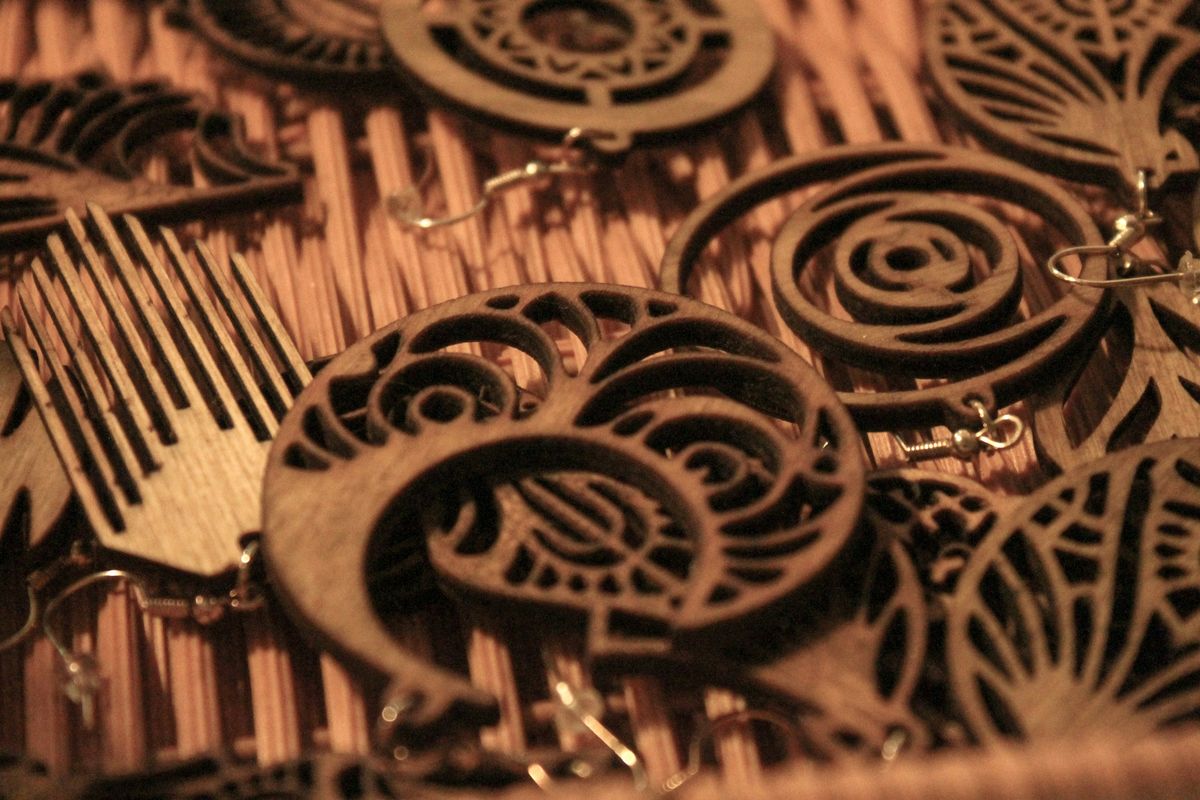
Wood, plywood, MDF, leather, card, cork, slate, stone, anodised aluminium and painted metal.
Clear glass and clear acrylic mostly let a diode beam pass straight through. Coat them with marking spray, or pick a darker material.
Will it cut, or just engrave?
Both, within limits. It cuts card, felt, thin plywood and dark acrylic, usually in more than one pass. On this module that means up to [— mm] ply.
If most of your work is cutting thick stock, you want a CO₂ laser, not this. We’d rather tell you now.
Do I need ventilation?
Yes. Engraving makes smoke and fine particles. Use the enclosure with its exhaust ducted outside, or work beside an open window with a fan pulling air out of the room.
Never laser PVC or vinyl. It releases chlorine gas and corrodes the machine.
Is it safe with kids and pets around?
Treat it like a power tool that can damage eyes. It is a [laser class] product: wear glasses rated for [— nm], close the enclosure, and never leave a job running unattended.
Fire is the more common risk than the beam. Keep a small extinguisher on the bench.
What software drives it?
K1 runs [firmware] over USB-C. The compatibility list names the programs we test it with on each firmware release.
→ compatibility listWhat’s in the box, and what’s the warranty?
Frame, laser module, honeycomb bed, air-assist nozzle and a sample material pack. [goggles · enclosure: included?]
Warranty: [— months]. Spare modules and belts are sold separately, so a worn part doesn’t retire the machine.
Still a question we didn’t answer? ask us.